.png?w=2995&h=526)
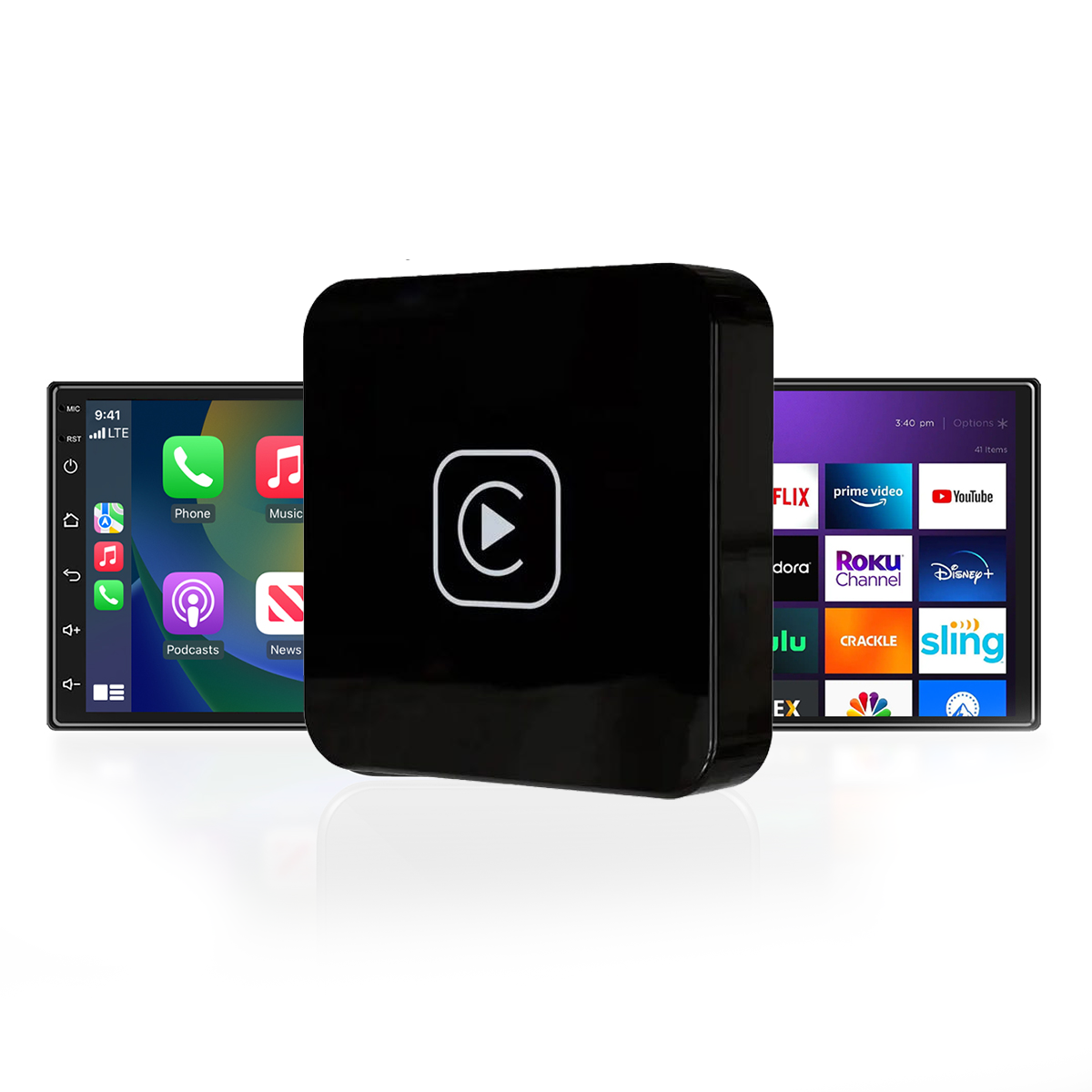
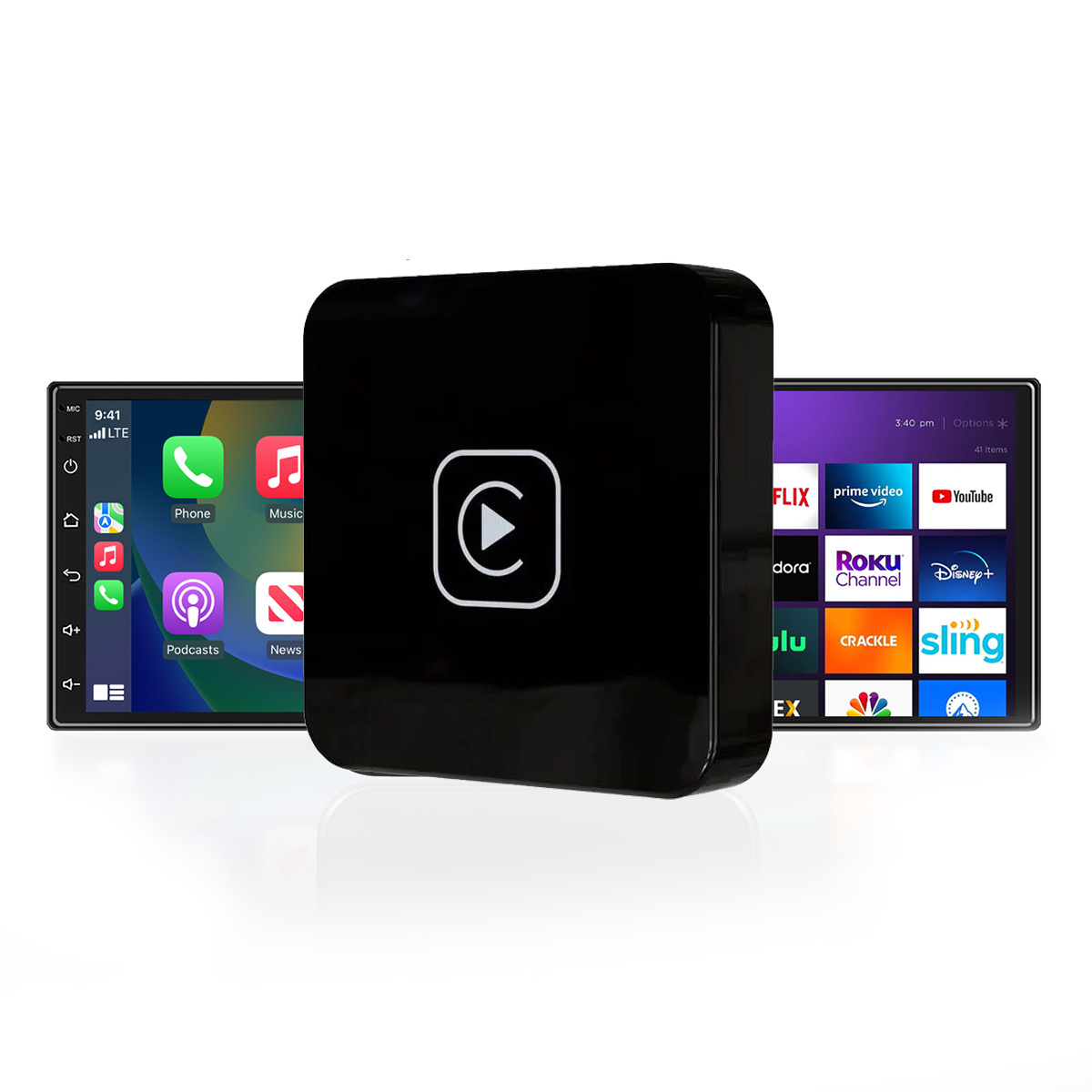
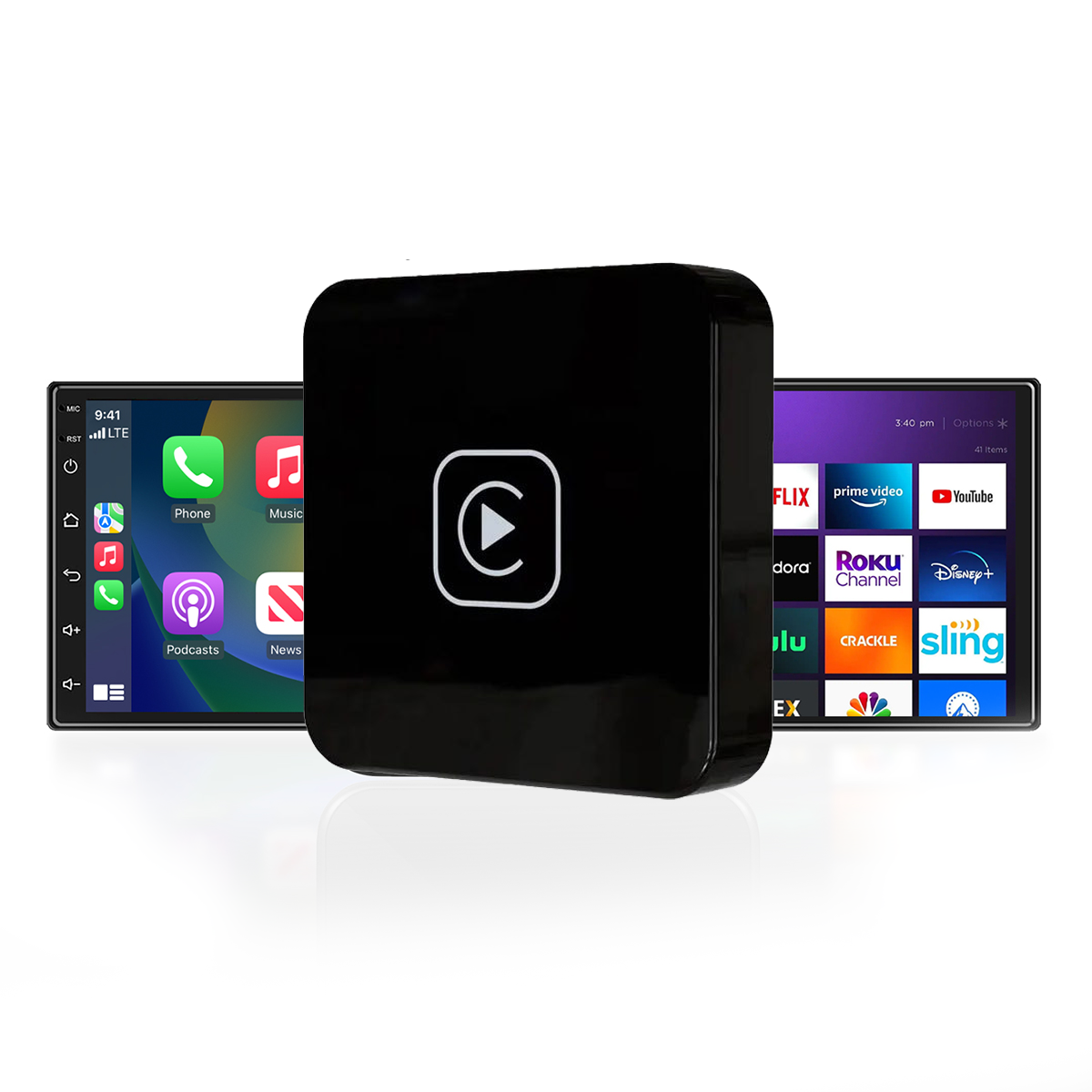
DriveLink CarPlay TV Adapter – Adapter which allows TV Sticks on your vehicle’s infotainment system

Upgrade Your Drive with Wireless CarPlay and In-Car Streaming
No more cables. No more limits. Just smart, seamless connectivity.
✔️ Wireless CarPlay | ✔️ HDMI Streaming Support | ✔️Plug-and-Play Setup
Introducing the DriveLink CarPlay TV Adapter
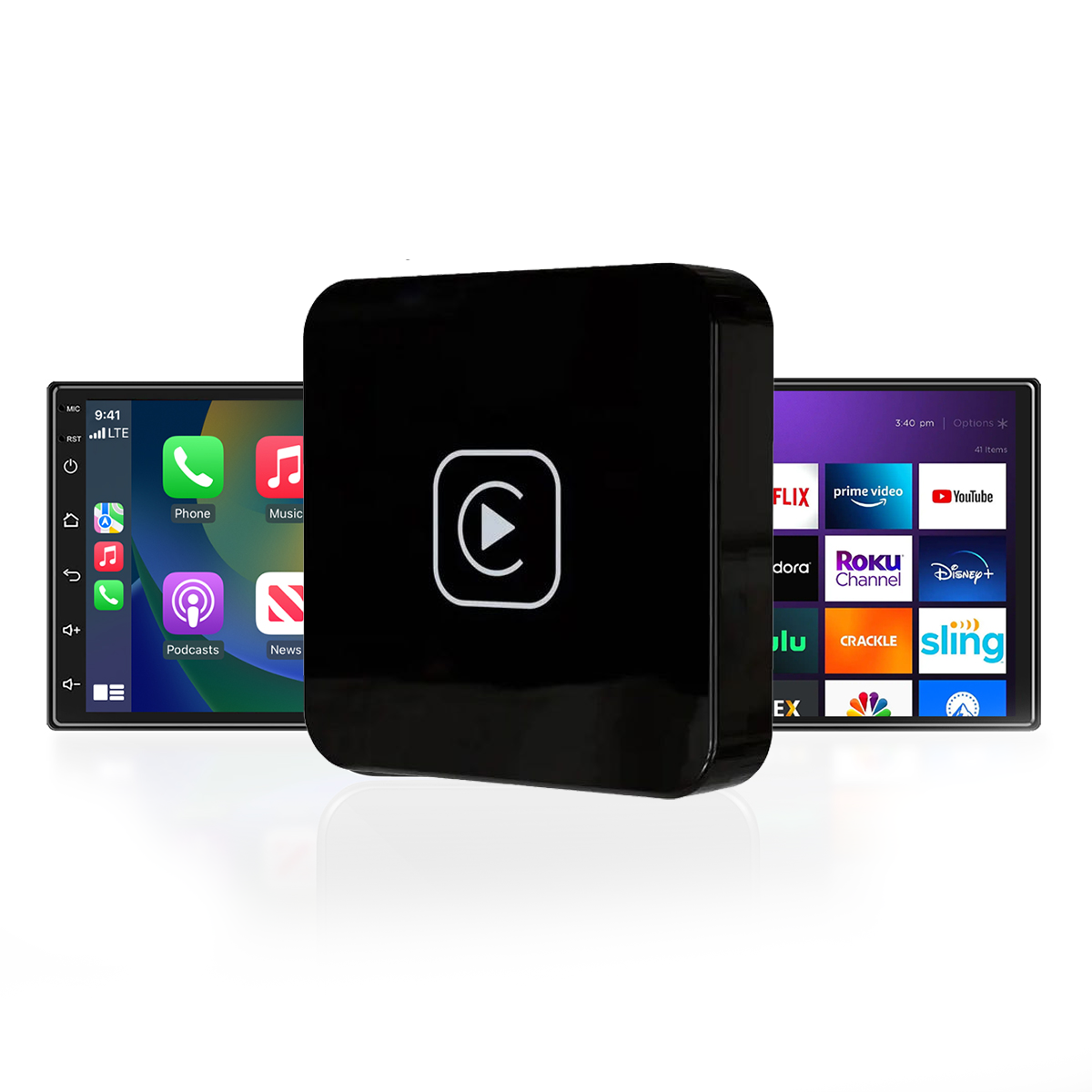
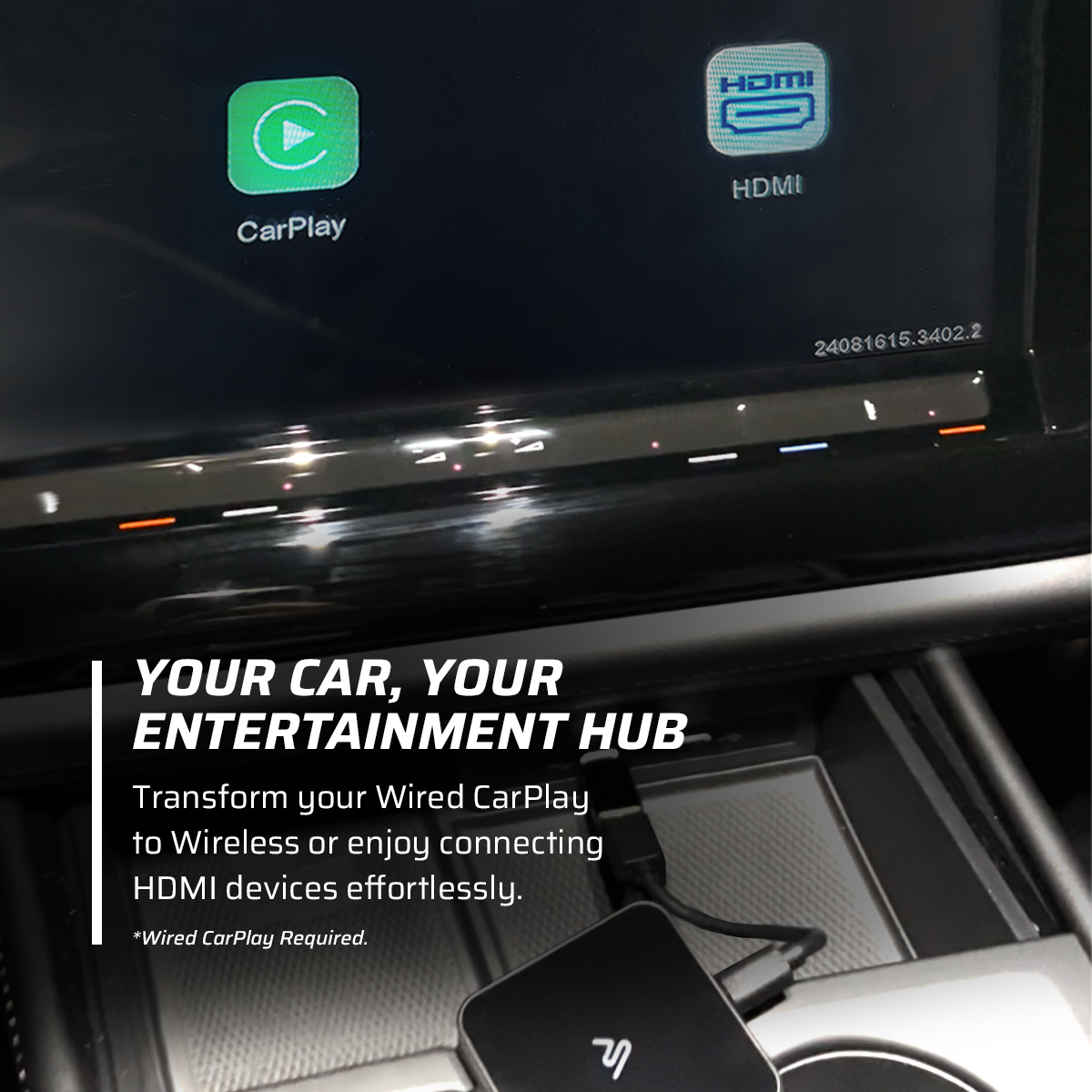
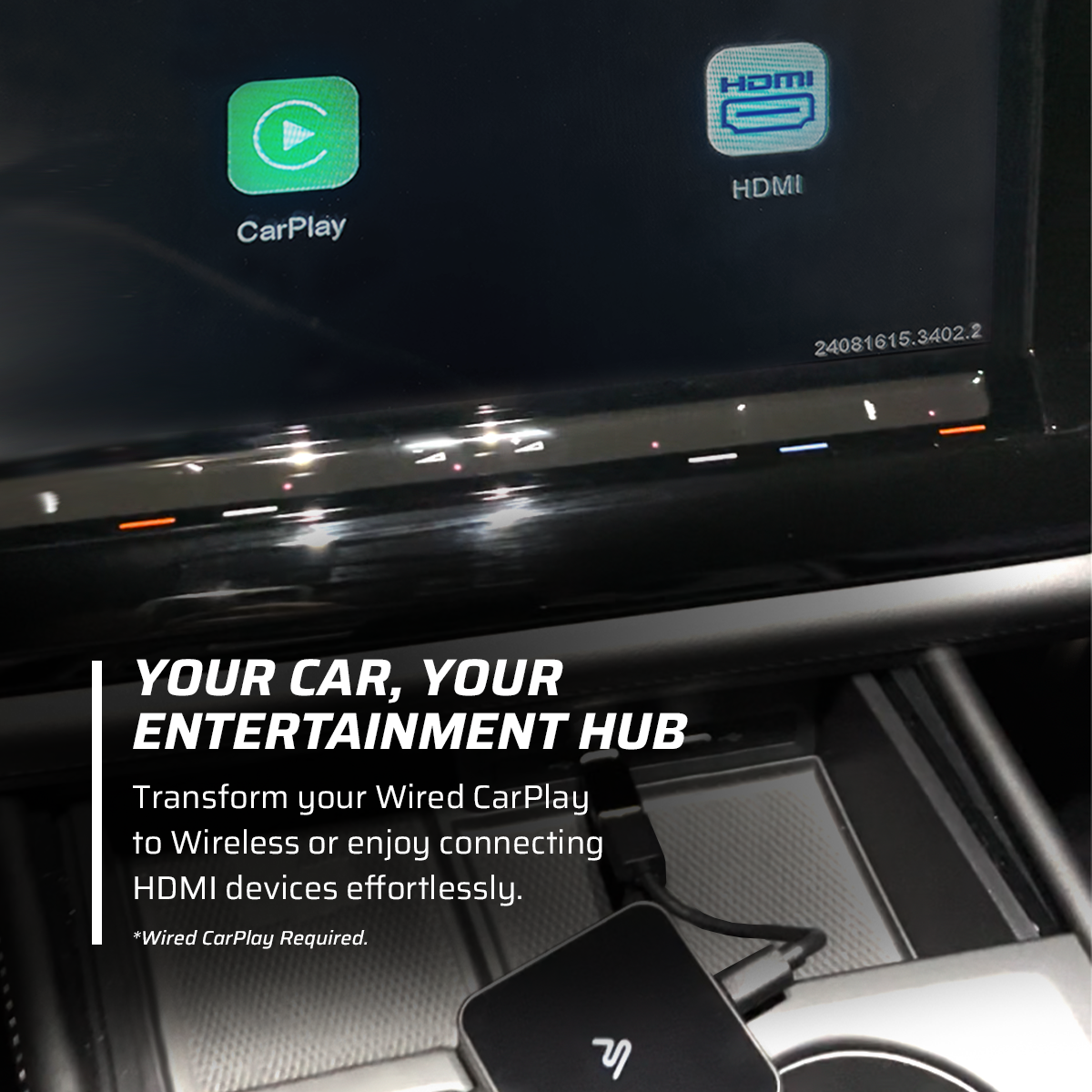
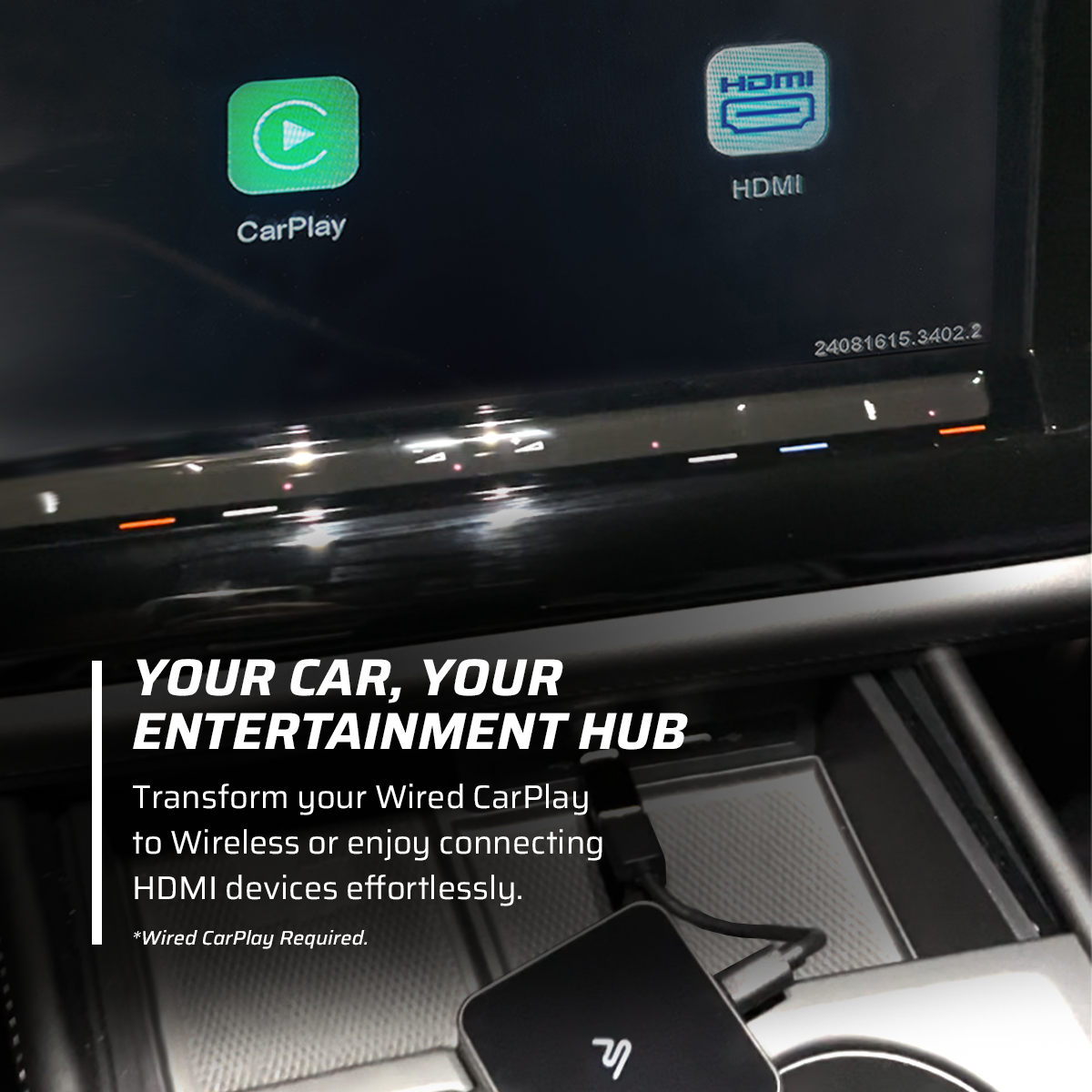
Your all-in-one solution to turn any wired CarPlay vehicle into a wireless entertainment hub.
Tired of plugging in your phone every time you get in the car?
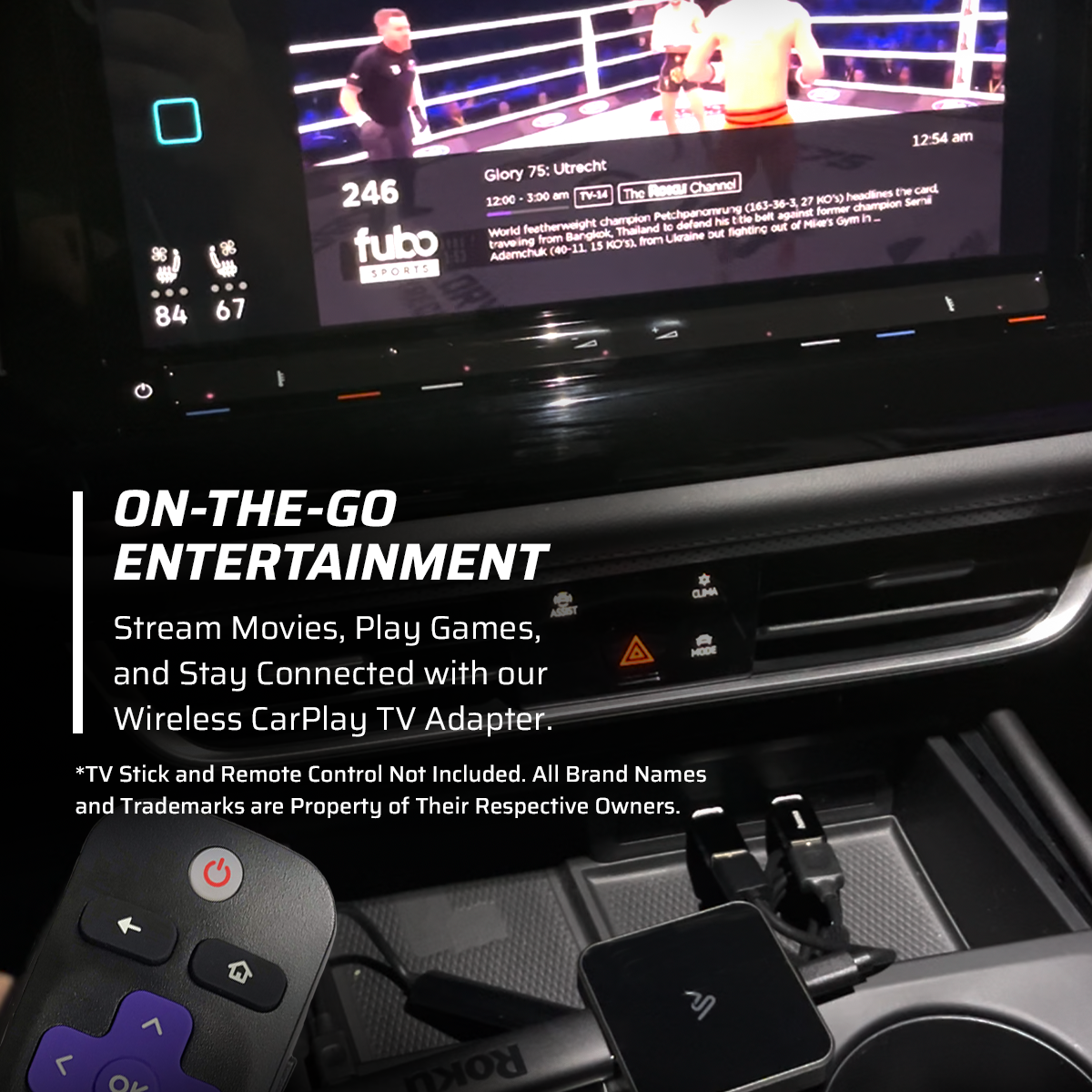
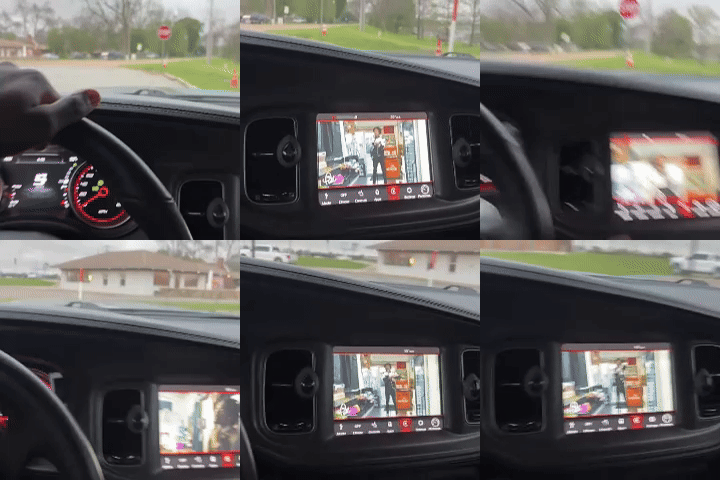
Want to stream your favorite apps like Netflix, YouTube, or Spotify on your car’s infotainment screen?
The DriveLink CarPlay TV Adapter delivers wireless CarPlay functionality and HDMI input support in one compact, easy-to-use device.
Key Features
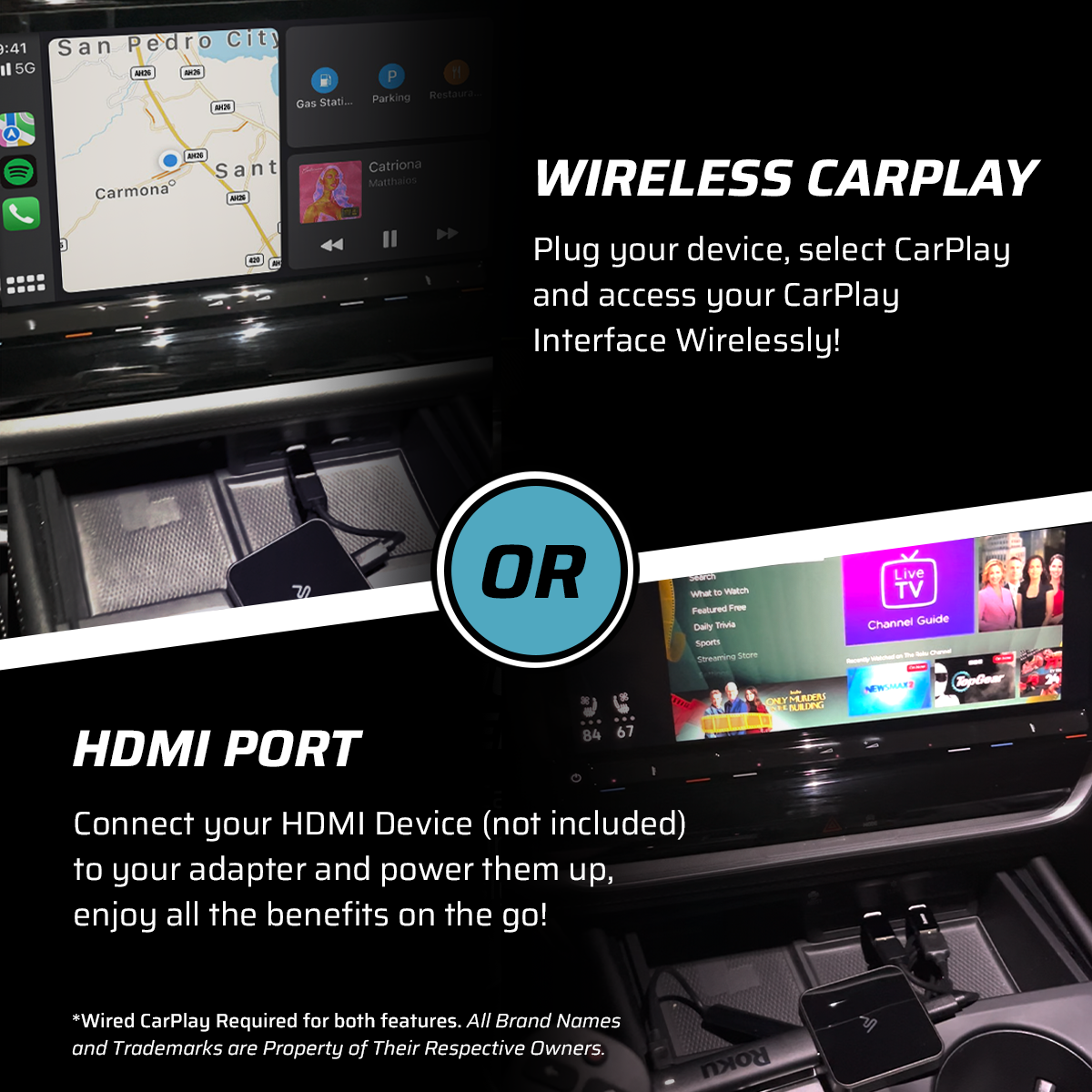
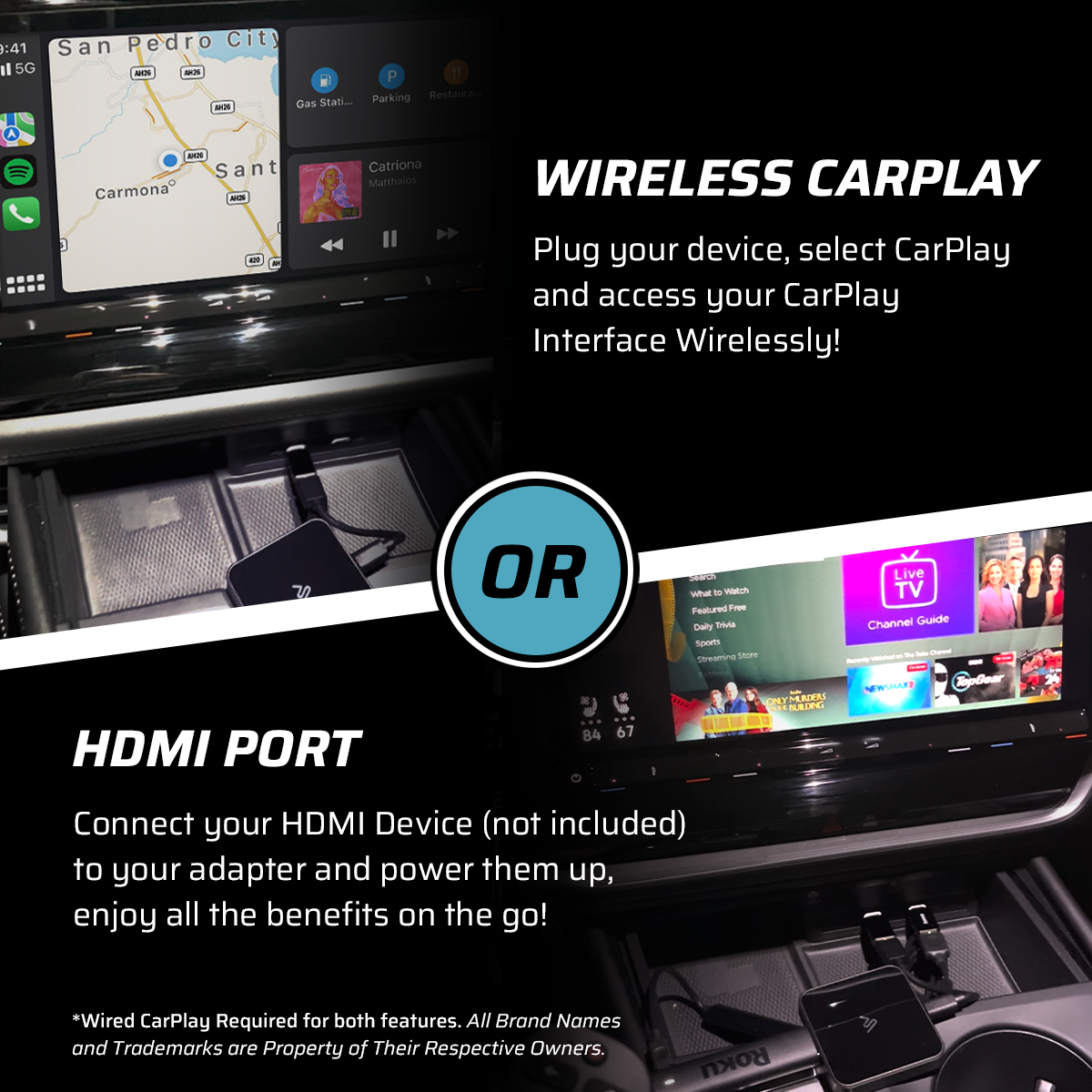
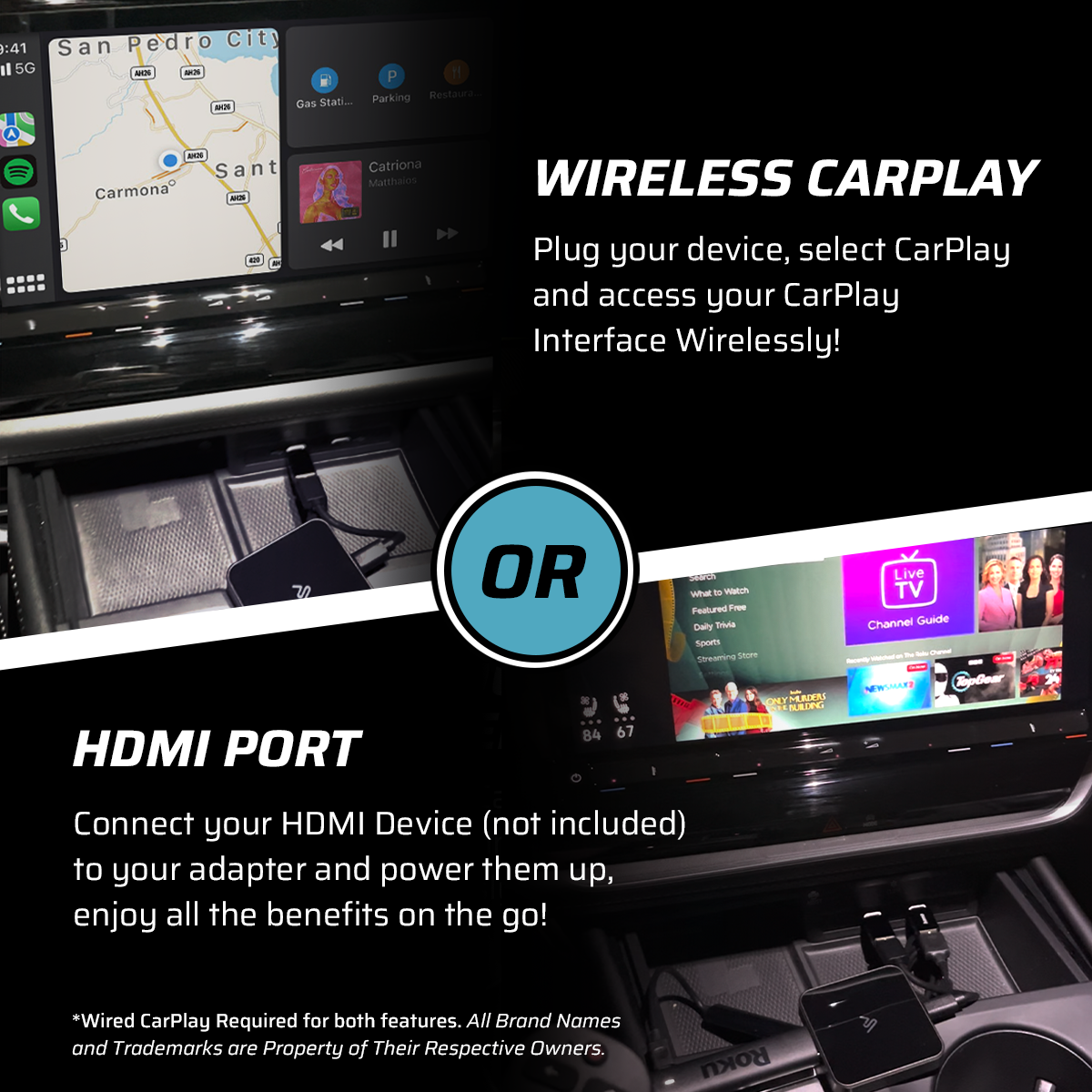
- Wireless CarPlay
Enjoy hassle-free, wireless access to navigation, music, calls, and more — instantly, every time you start your car. - HDMI Input for Streaming Devices
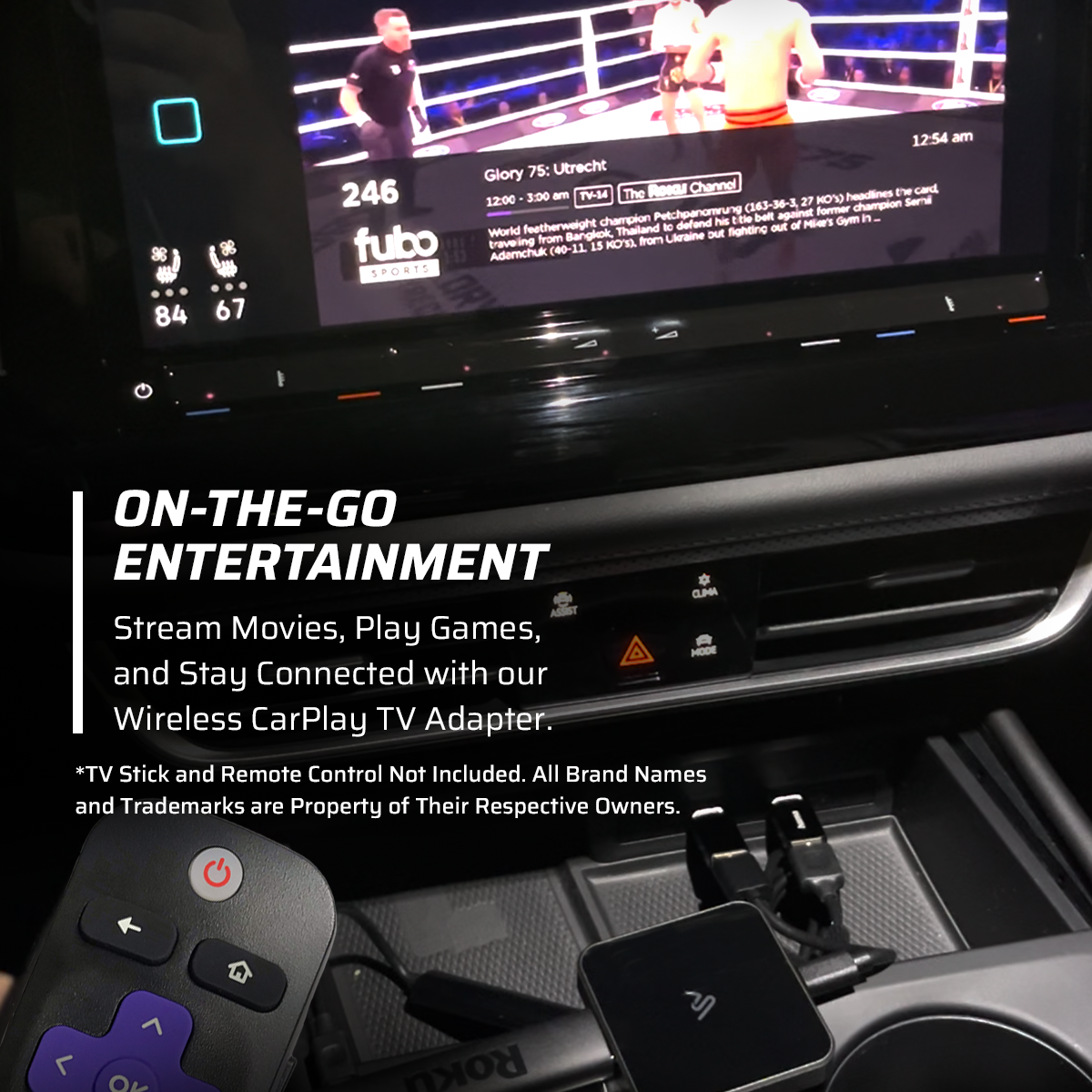
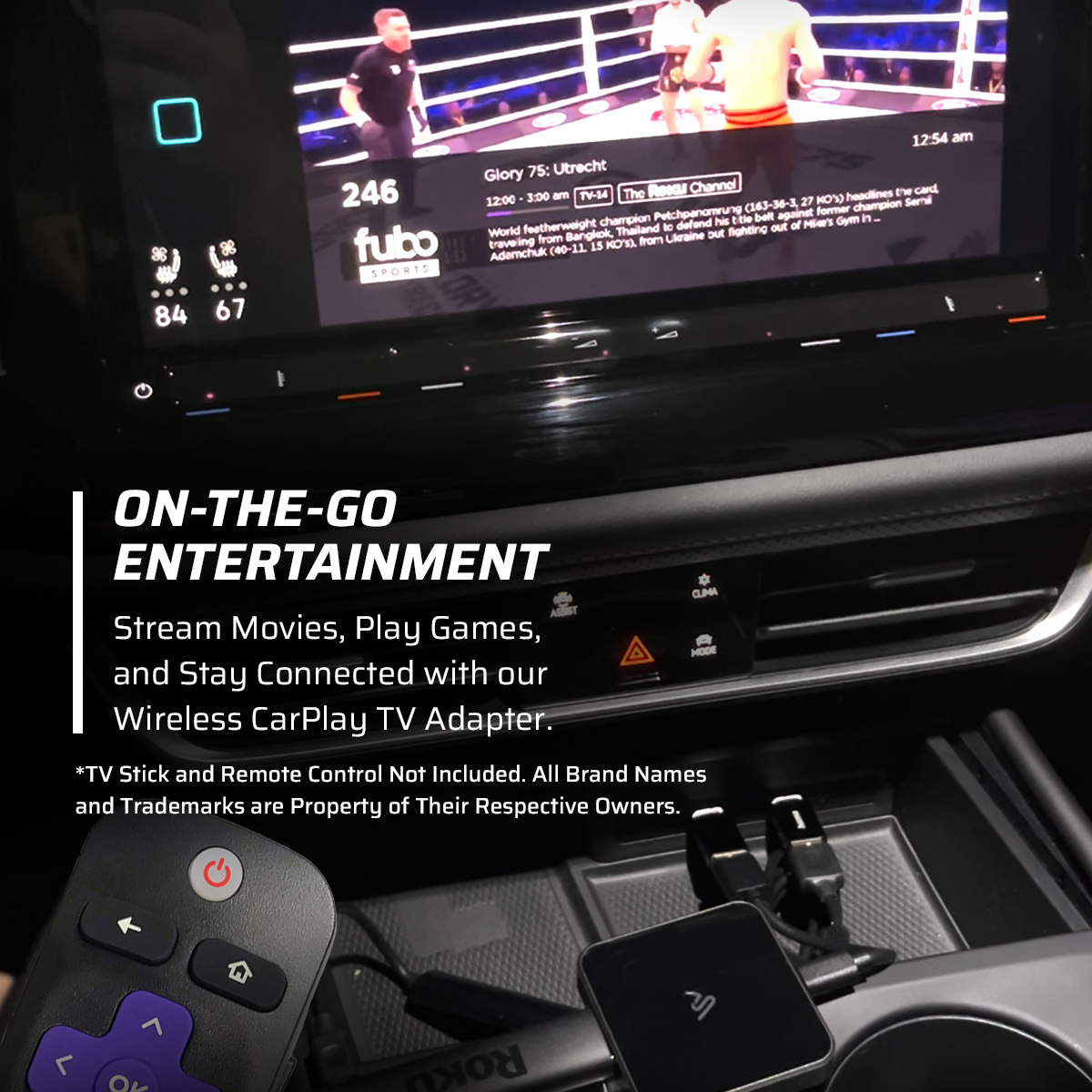
Connect a TV Stick or media player to stream video and apps directly to your car’s display. (TV Stick not included) - Broad Compatibility
Supports most vehicles with factory-installed wired CarPlay systems. - Simple Plug-and-Play Setup
No tools or technical skills needed. Just plug it into your car’s USB or USB-C port, pair your phone, and you’re good to go. - Smooth, Lag-Free Performance
Optimized for real-time streaming and high-speed connectivity, even on long drives.
Why Choose DriveLink?
- Combine wireless convenience and in-car entertainment in a single device
- Eliminate cable clutter from your dashboard
- Make road trips, commutes, and ridesharing more enjoyable
- A perfect upgrade for families, travelers, and tech-savvy drivers
Important Notes
Vehicle must support wired CarPlay
Streaming requires an internet connection via personal hotspot or in-car Wi-Fi
Compatibility may vary — please check your car model before purchasing
How to Use
Plug the DriveLink adapter into your car’s USB or USB-C port
Pair your iPhone via Bluetooth and Wi-Fi to activate wireless CarPlay
Connect a TV Stick or media device to the HDMI port to begin streaming
That’s it — no apps, no setup hassle.